
Album Artwork Size
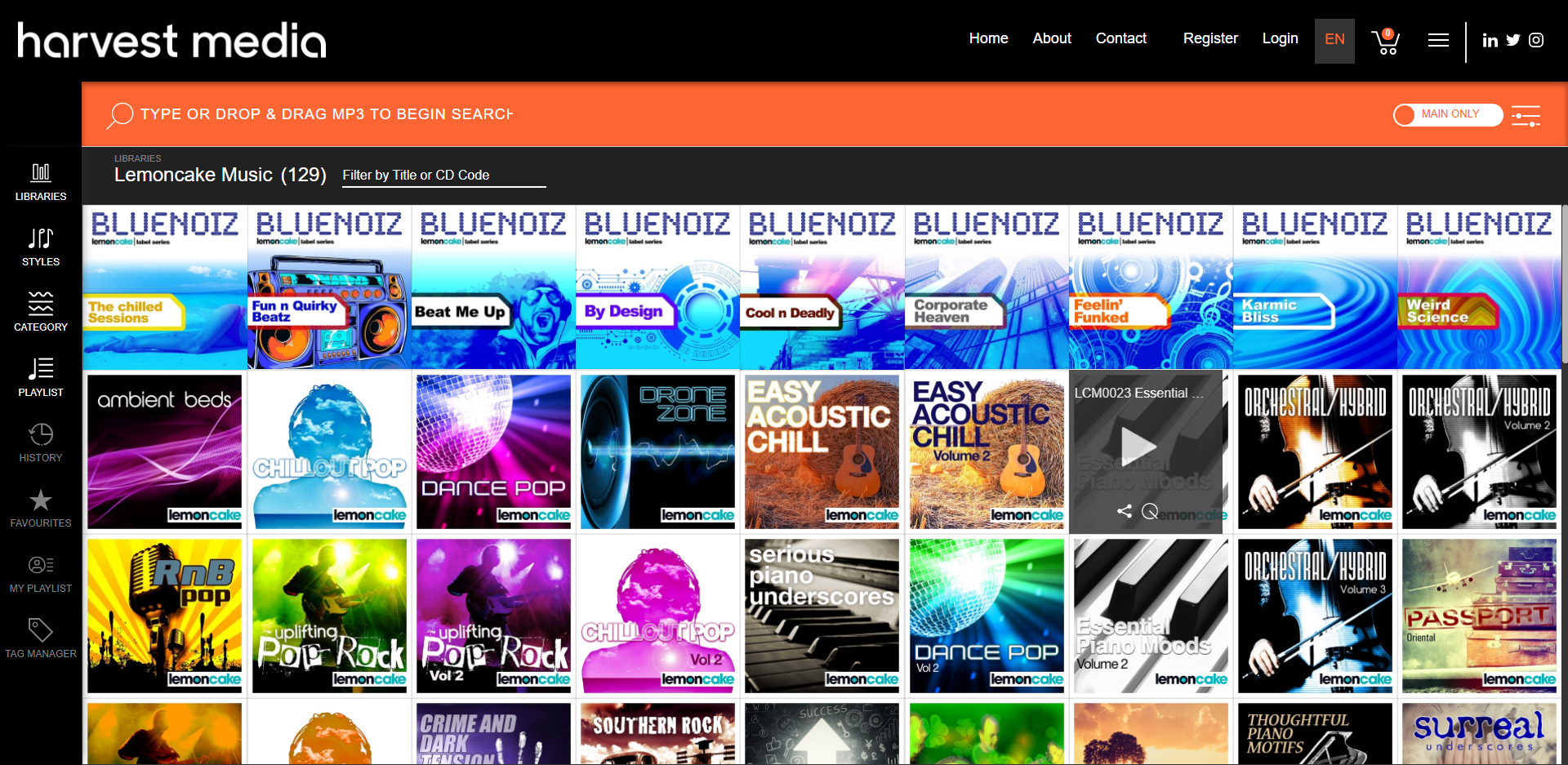
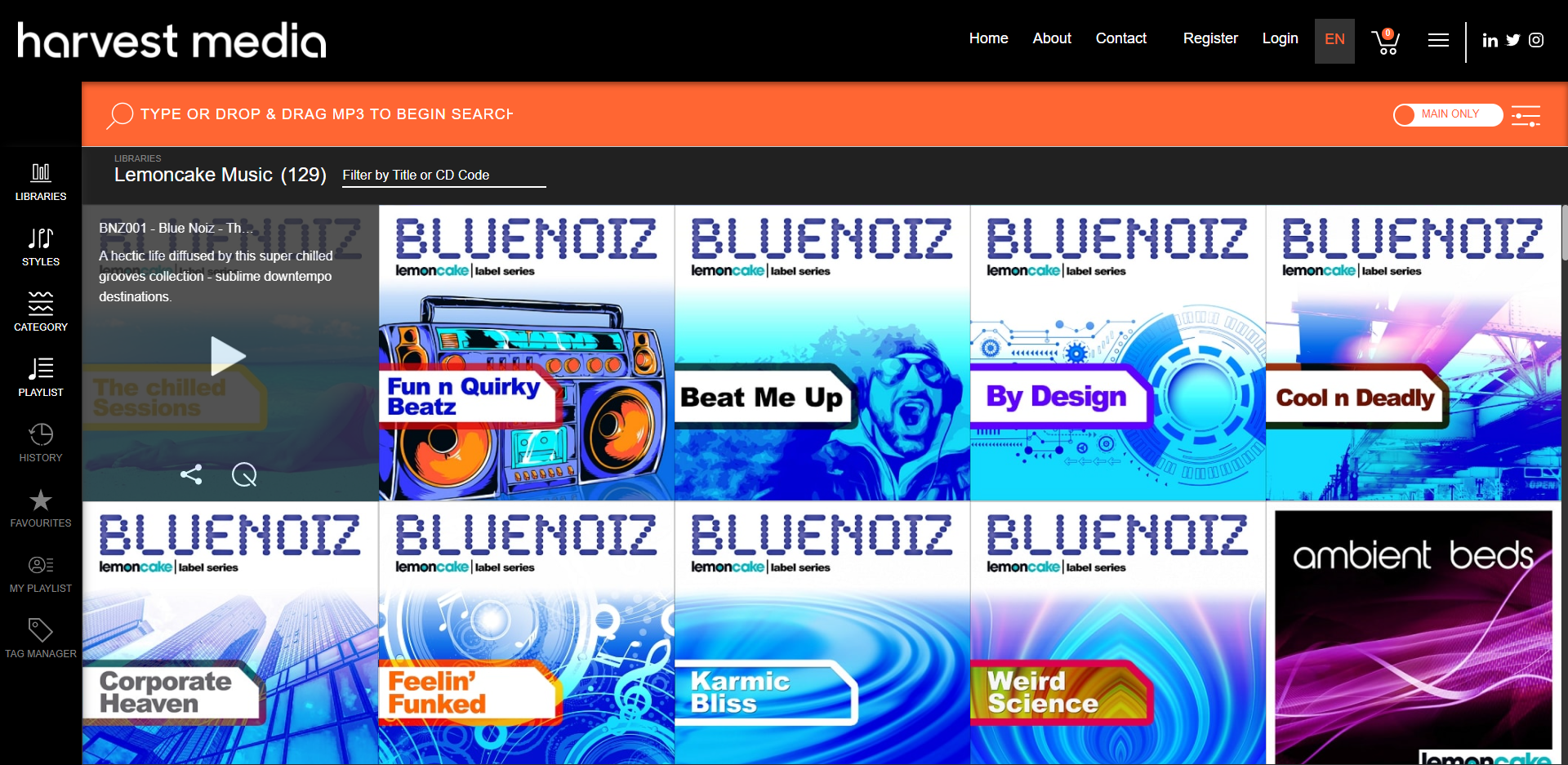
In the admin, you can choose the Artwork size for your album, the 3 options being: small, medium & large.
Small:
Medium:
Large: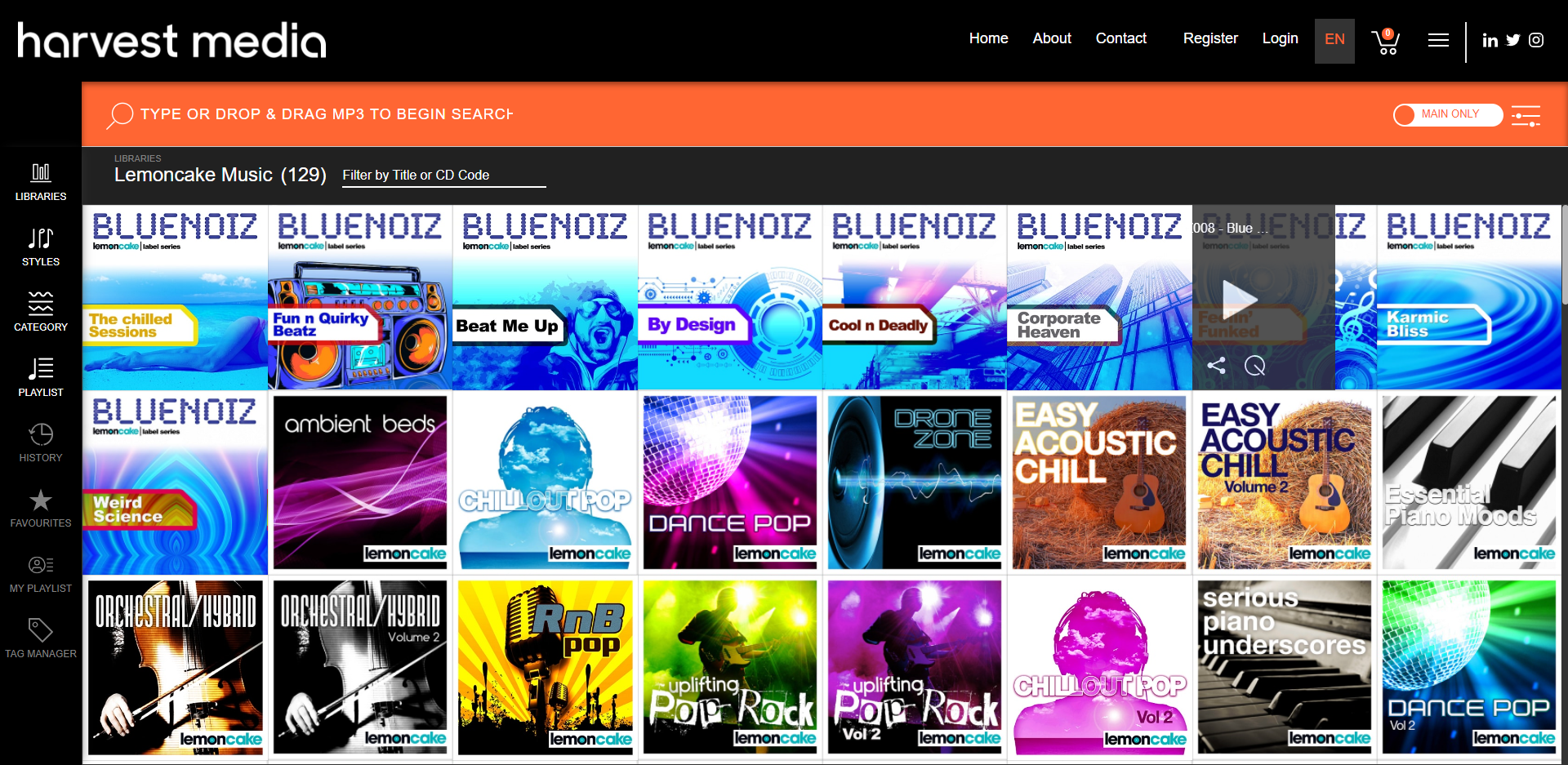
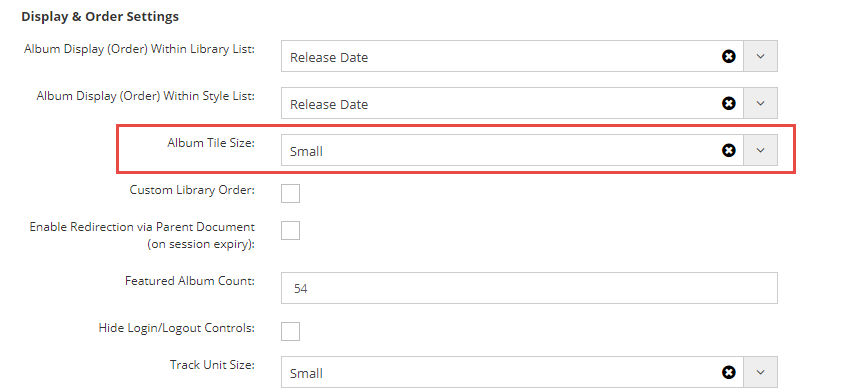
To set these, go to the Admin > Apps > Album Title Size:
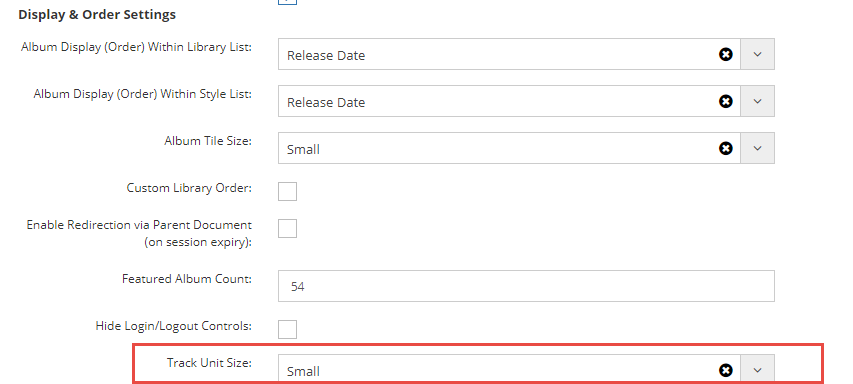
Track Unit Size:
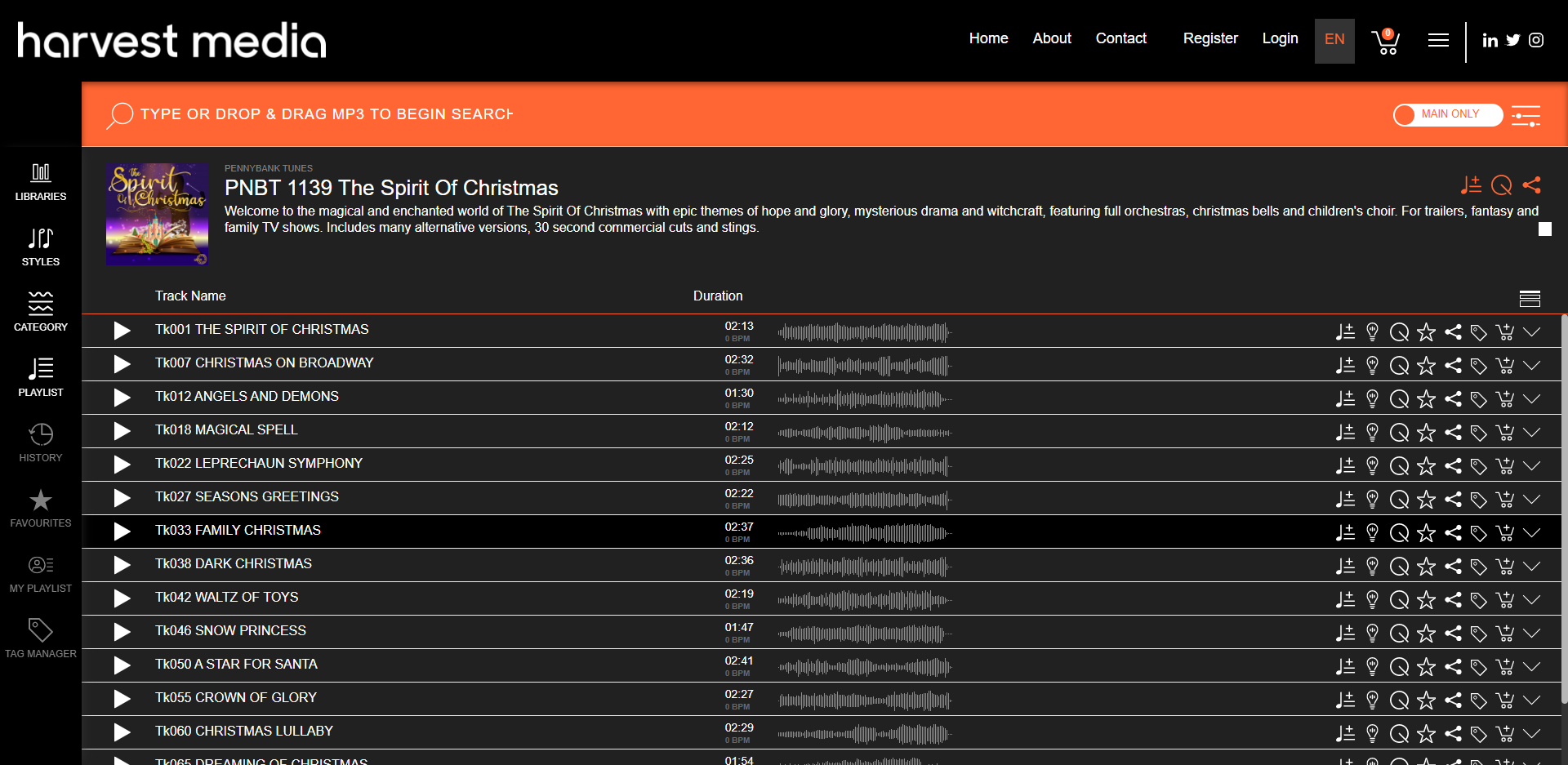
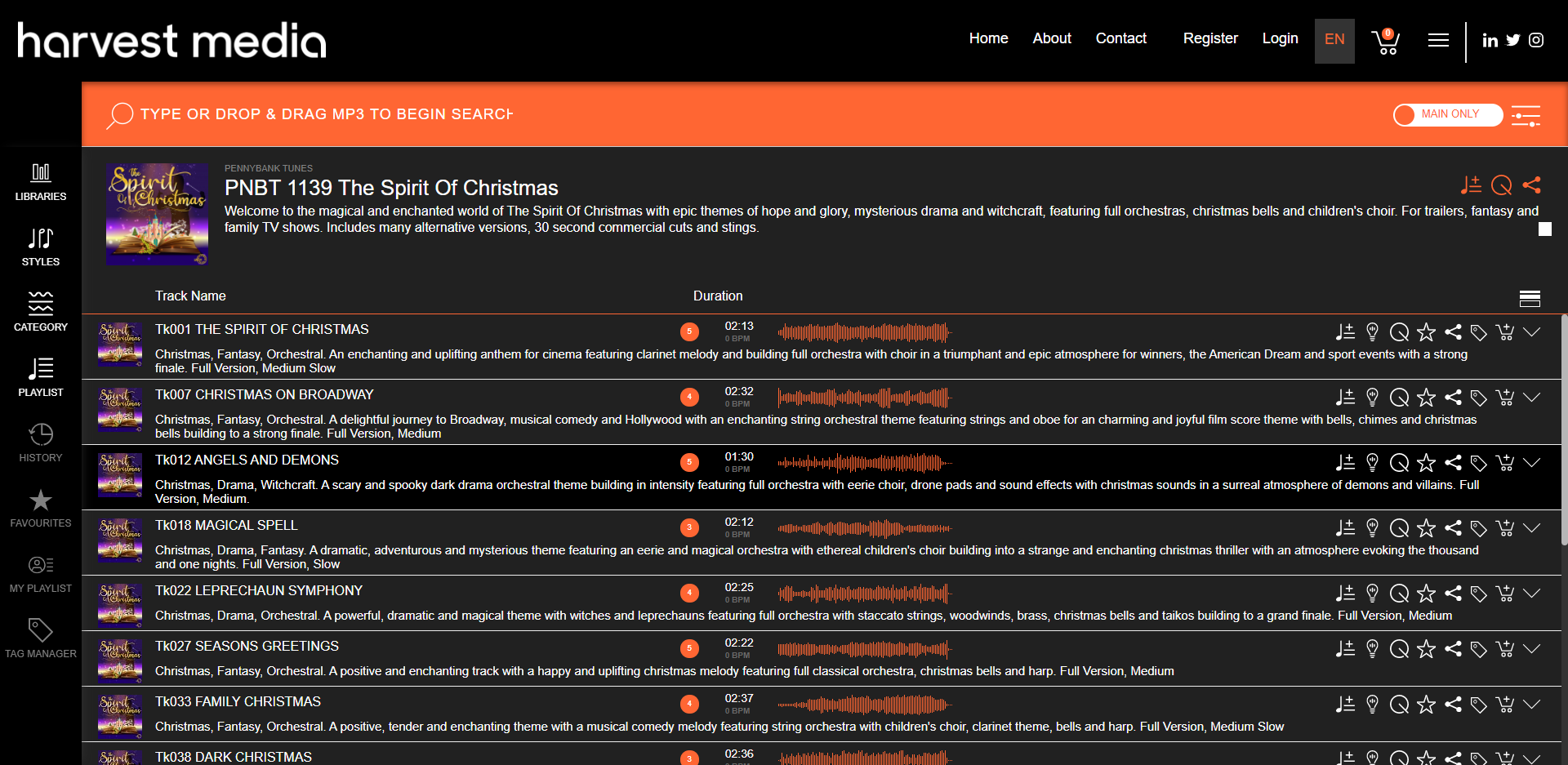
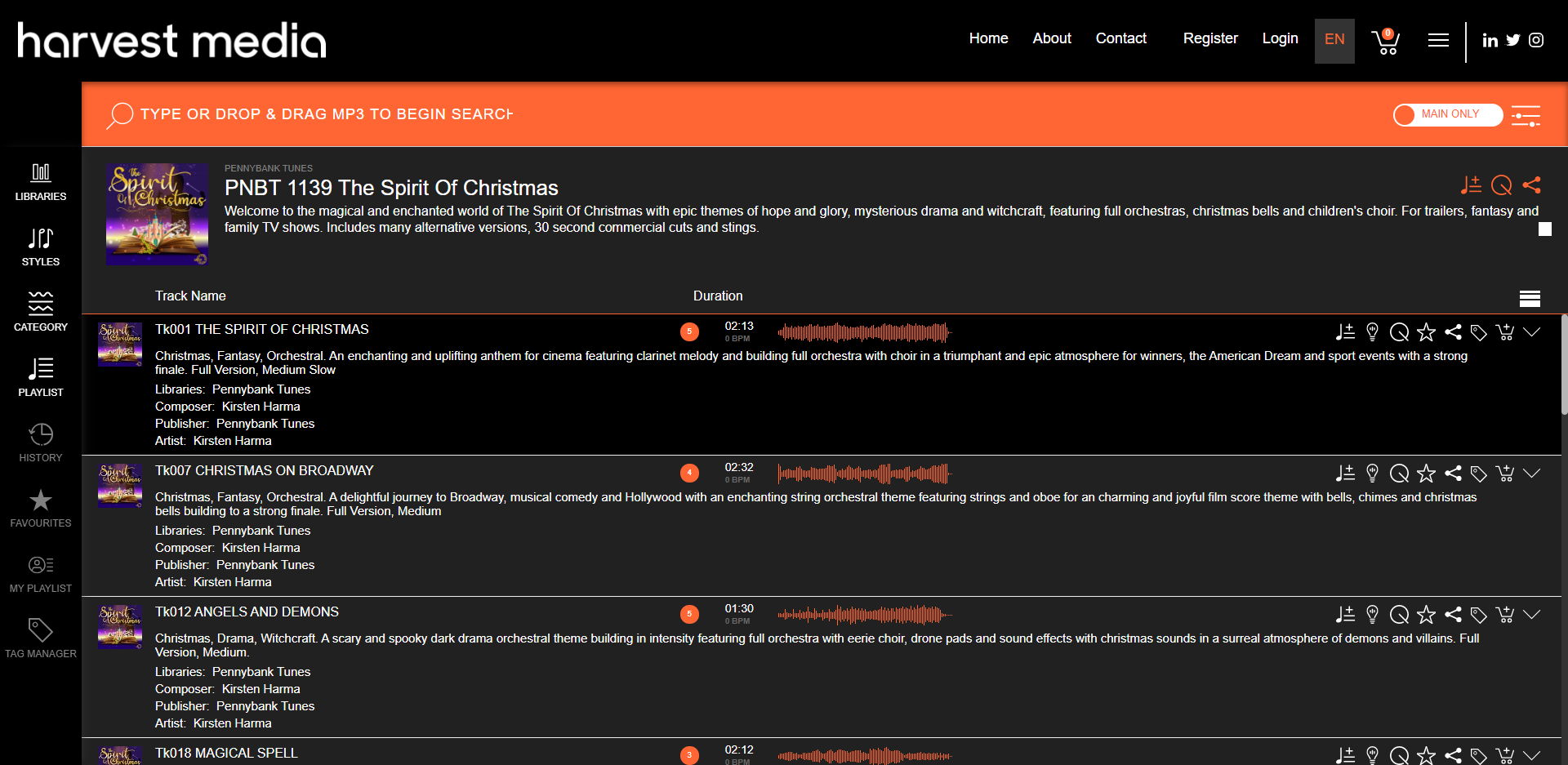
You can choose to default the track level which your users see, they can expand/collapse this at any time:
Small: Track Name & Duration
Medium: Track Name, Duration & Description
Large: Track Name, Duration, Composer, Library, Categories, Keywords & Description
To set these, go to the Admin > Apps > Track Unit Size:
Comments
Article is closed for comments.