
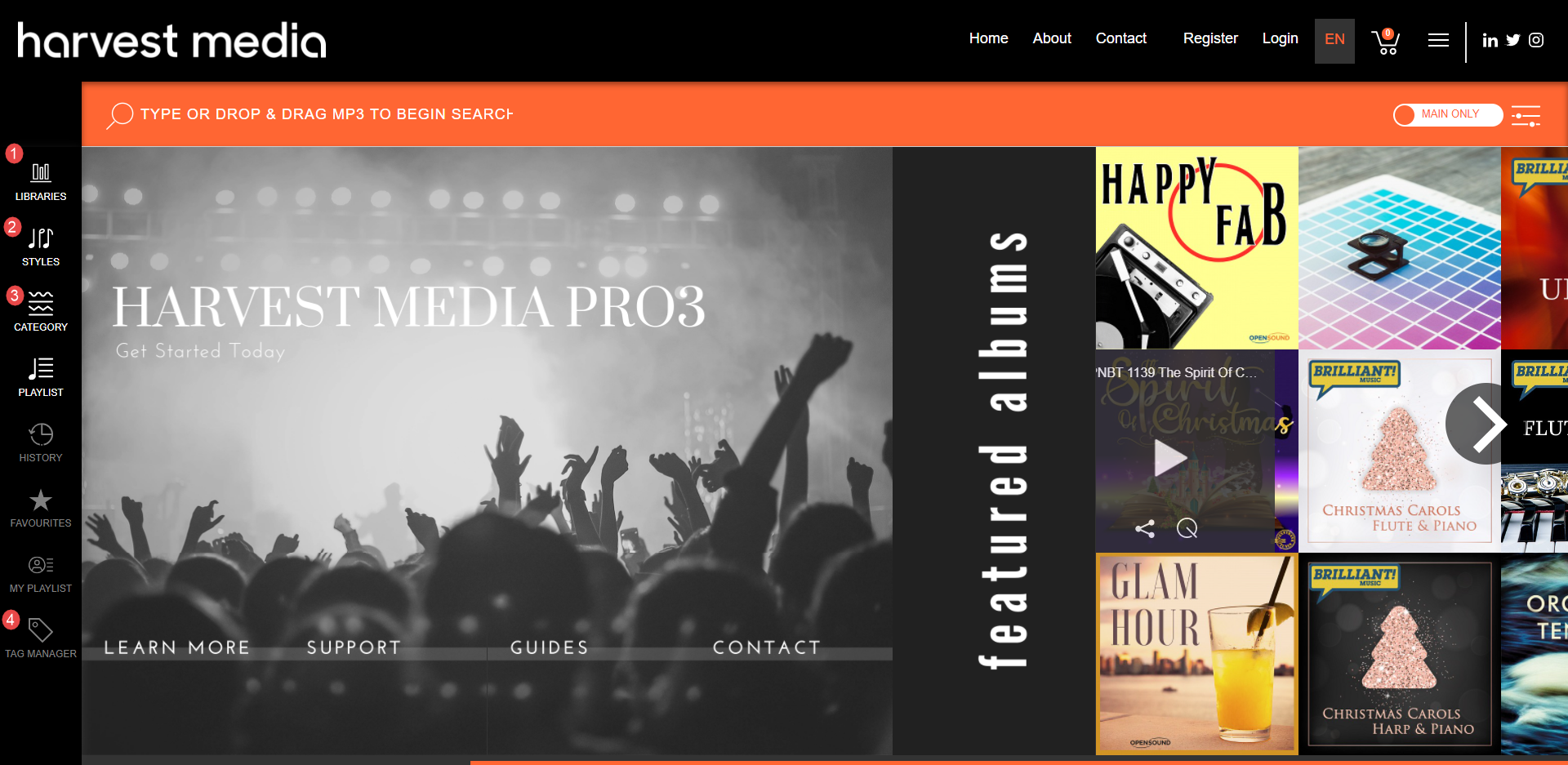
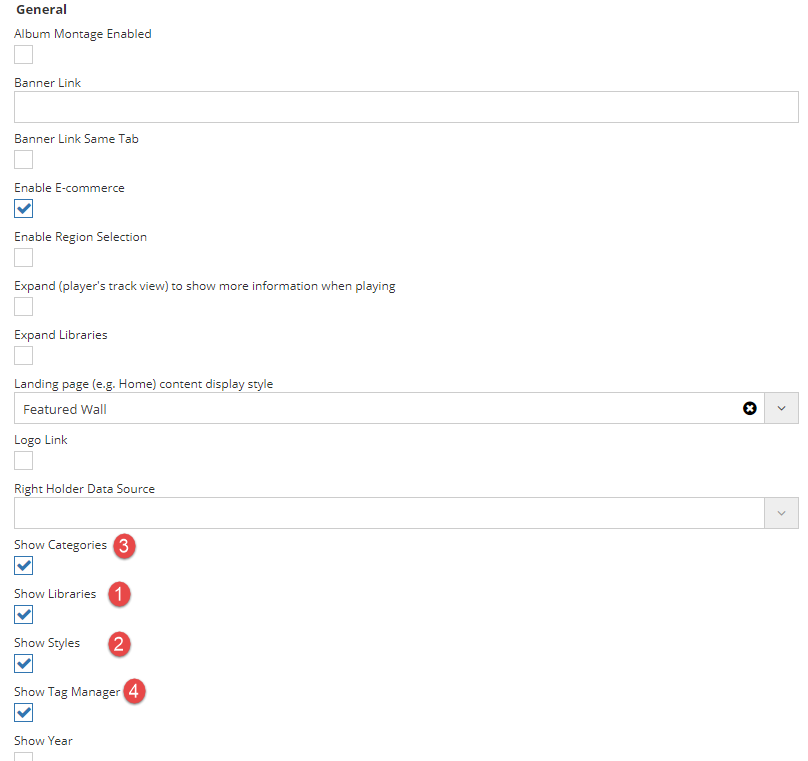
To show or hide Library, Categories and/or Styles in the Left Hand Navigation, go to Apps > Settings and un/check:
- Show Categories
- Show Libraries
- Show Styles
- Show Tag Manager
If you would like to hide any other option, please contact us and we can do so
Comments
Article is closed for comments.