
Your search bar is the key to searching content within your player:
- Enter terms into the search bar.

- Press Enter.
- View results in the center column under the Search Results Tab.
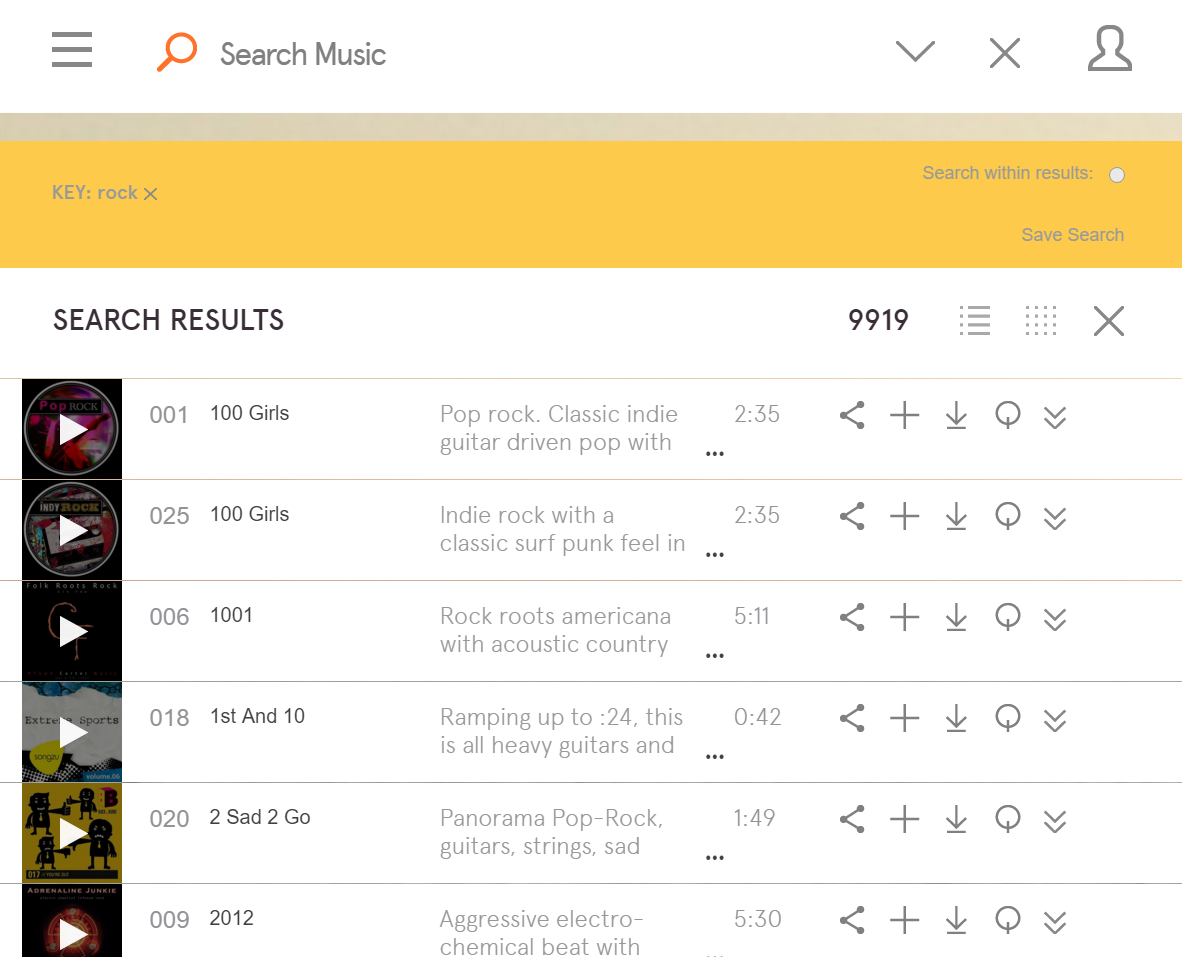
- Change the way you view your results by selecting one of the two options, grid or list

- Users can play the results of their search, drag them to playlists, or download them or their cue sheet. They can also view more information.

- Start a new search by hitting the New Search button or exit the search by pressing the X.

Comments
Article is closed for comments.