
In order to manually add versions, see below:
- Select your desired Album and open the tracks page
- On the right hand side, (1) select the
 icon > (2) select the track from the Recommended list or the Others list > (3) add the version name into the box and save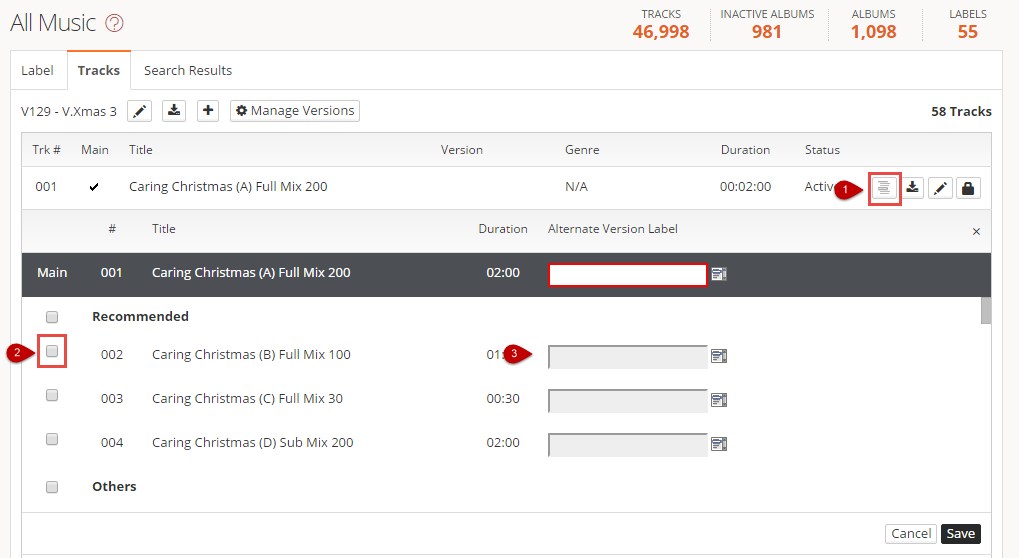
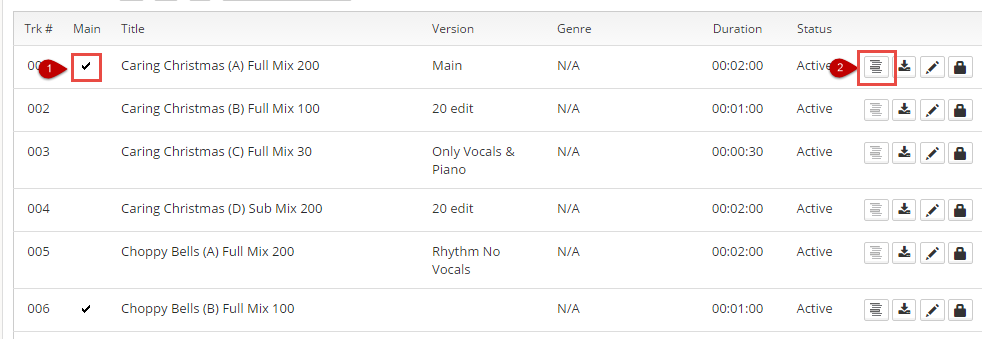
To manually remove versions, select the icon on the main track
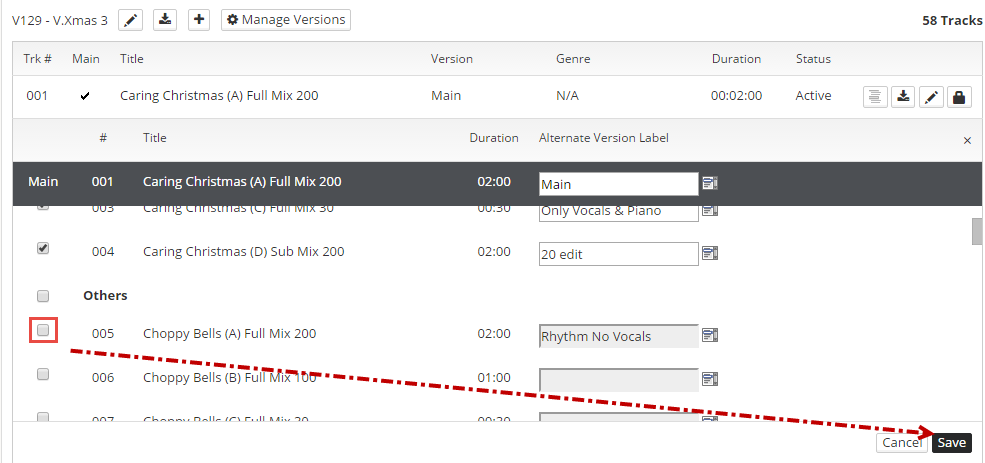
Unclick the track you no longer want to be a version > select Save
Comments
Article is closed for comments.